
Digital Wallets
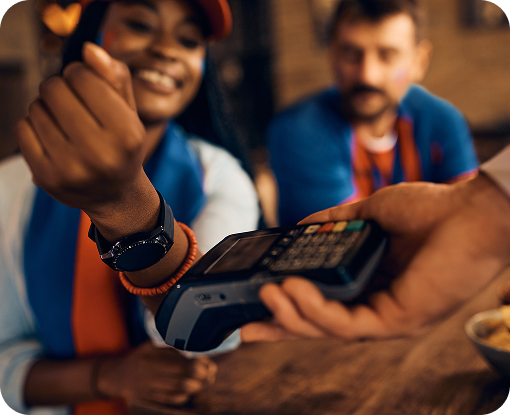
Add your Waypoint card to Apple Pay or Google Pay and tap to pay at checkout. Your card number stays hidden during the transaction.

Paying by Phone
A digital wallet stores your Waypoint debit or credit card on your phone. At checkout you tap instead of swiping, and the merchant never sees your actual card number. Setup takes about a minute and works with the card you already have.
What You Should Know
Apple Pay
Add your card to Apple Wallet on iPhone, iPad, or Apple Watch.
Google Pay
Add your card to Google Wallet on Android.
Card Number Stays Hidden
The merchant does not see your actual card number during the transaction.
Works With Your Existing Card
No new card is needed. Add the one you have.
Debit and Credit
Available for both Waypoint debit and credit cards.
Other Wallets
Apple Pay and Google Pay. Wearables with a supported wallet should work.
What You Will Need
- A Waypoint debit or credit card
- A compatible phone or watch
- iOS or iPadOS 17 and higher, or Android 12 and higher
- Add a card from your wallet app or from Waypoint online banking
Common Questions
Apple Pay and Google Pay.
There is no fee for using a digital wallet.
Not sure which fits? Ask a Waypoint Credit Union representative
A Waypoint Credit Union representative will compare the options against what you are actually trying to do, including the ones we do not advertise heavily. Open online, or book a time at any Waypoint branch.
Important Disclosures
Federally insured by NCUA.